How to Back Up a Website in cPanel Before Updating PHP
Back up website files and databases in cPanel before a PHP update. Understand full and partial backups, off-server copies, and how to plan a website recovery.
Before updating PHP, back up website files and databases, retain a copy outside the same hosting account, and identify who can restore it. Downloading an archive does not establish that the website can recover.
This is a preparation guide. To inspect the active PHP version without changing settings, start with checking PHP in cPanel.
Map what needs a copy
A website may depend on application files, databases, user uploads, configuration, and external services. For WordPress, for example, a file backup alone does not include posts stored in the database. A database export does not include all uploaded images.
Ask the operator to identify the application and data locations. Do not assume everything sits in public_html, particularly when an application runs elsewhere or uses external storage. Record the current PHP version before changes.
Full versus partial backups
The Backup Wizard documentation explains full and partial options. Automatic restoration of a full account backup is not performed in the ordinary cPanel interface; it generally requires the hosting provider's WHM access. Establish the restore procedure before relying on that archive.
Partial backups separate components such as the home directory and databases. The application's requirements determine completeness, rather than the number of downloaded files.
Prepare the backup in cPanel
- Agree on a maintenance window. For an active transaction system, plan how to avoid files and databases representing inconsistent points in time.
- Open Files → Backup Wizard, if available, and choose Back Up. Hosting providers control feature availability.
- Select the agreed backup type. For partial backups, confirm that you choose the database actually used by the application.
- Wait for completion, then download the archive. Acceptance of a backup request does not mean the job finished.
- Store a copy elsewhere with restricted access. Archives can include configuration, credentials, and personal information.
The cPanel Backup guide describes additional scope and limitations. Contact the provider if the feature is unavailable or disk space prevents creating an archive.
Test restoration separately
Ask the operator to restore into a test environment. Use the appropriate runtime and check pages, login, uploads, and core workflows. Ensure the test copy cannot send real email or process real payments.
| Record | Why it matters |
|---|---|
| Backup time and time zone | Establishes the recovery point |
| Related application, database, and folders | Confirms components belong together |
| Archive location and access owner | Reduces dependence on one person |
| Restore test results | Establishes that the archive is usable |
| Steps for returning to the previous version | Assigns responsibility if the update fails |
Account for data received after backup
If the site receives orders after backup, restoring an older database can lose those orders. A rollback plan must address new data as well as application folders.
A backup also does not establish that a vulnerability has been patched. After changes, the operator still needs to check the active version and application behavior. My article on PHP flaws and questions for hosting providers can guide that conversation.
If ownership of website files, databases, and hosting access is unclear, start with a small inventory before planning the update.
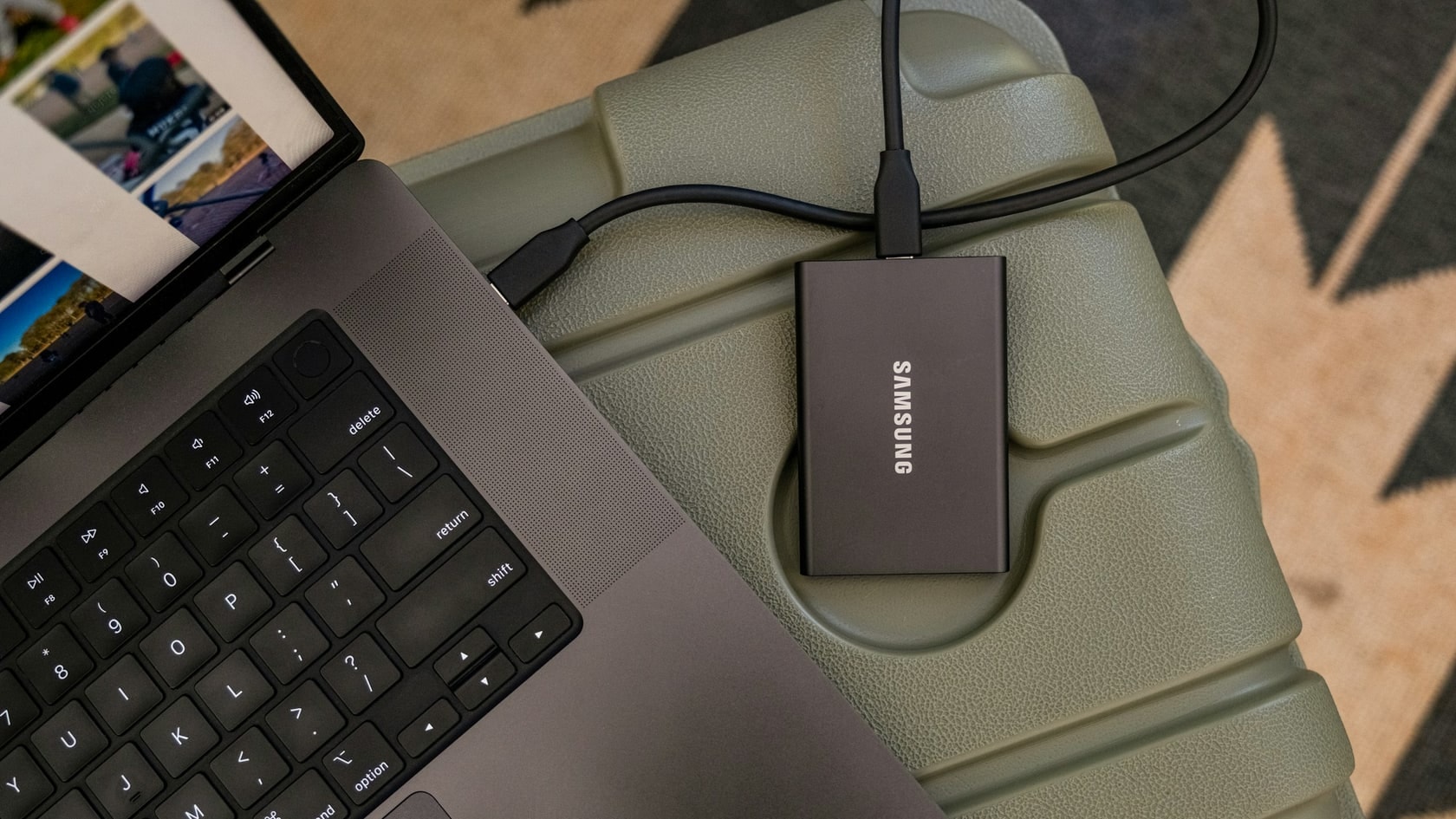
Cover photo: Samsung Memory US on Unsplash, used under the Unsplash License. This is an illustrative stock photo, not documentation of the incident, featured product, or a test result.
Is your team still doing something by hand?
Tell me about it, and let's find the fix together.
More notes

How to Compare Two Excel Files and Find Changed or Missing Records
Compare two Excel reports by ID to find added, missing, and changed transactions. Includes sample files, practical formulas, and a reconciliation of the totals.
Read the note
An AI Agent Accessed Systems Without Permission. How Does That Happen?
An AI incident in Australia raises questions about access and oversight. Learn how to set permissions, approve actions, keep logs, and stop a workplace agent.
Read the note